Checklists
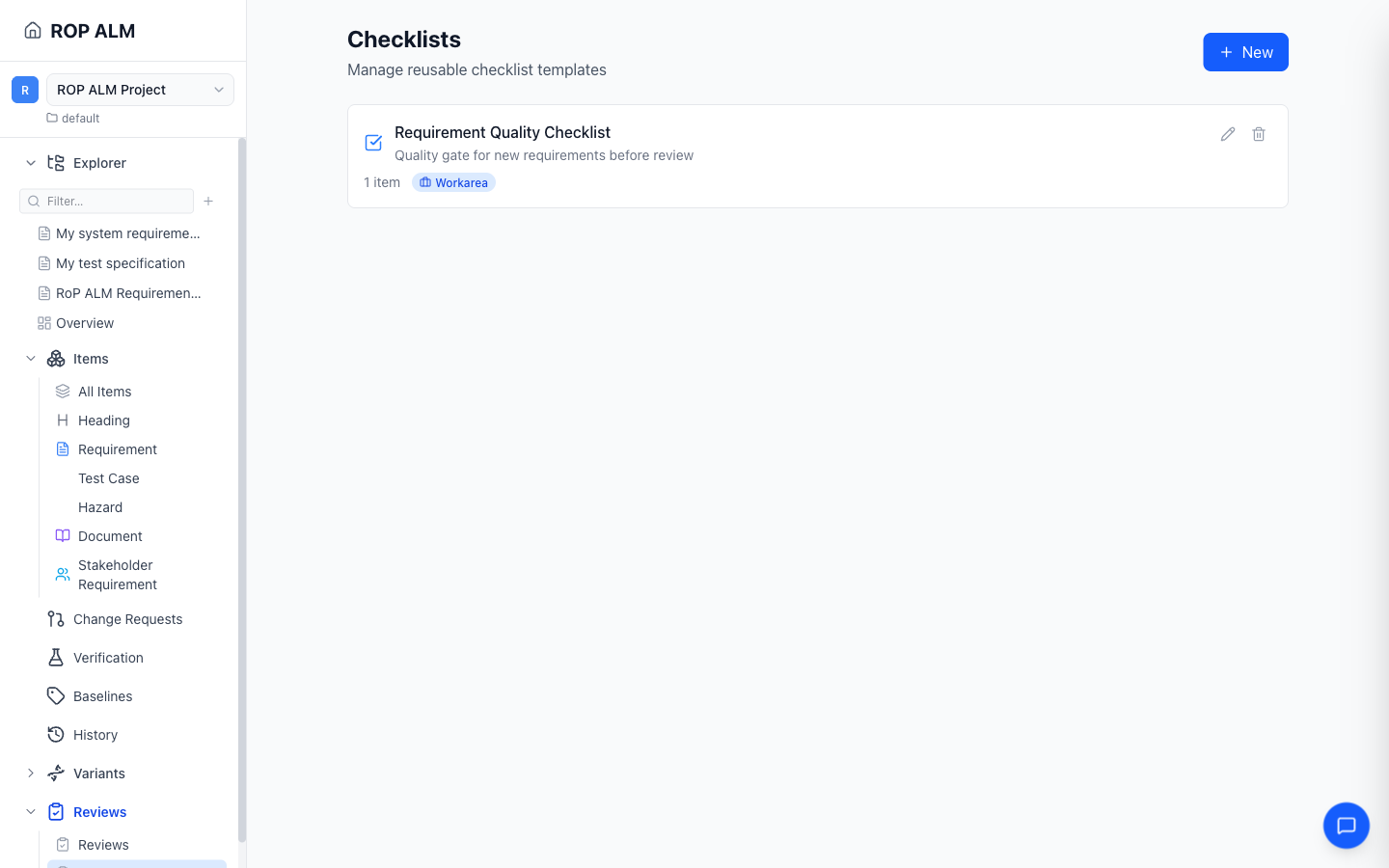
Checklists are reusable templates that can be allocated to reviews as entry criteria, exit criteria, or per-item checklists. They help ensure consistent evaluation across reviews.
Creating a Checklist
- Navigate to Reviews → Checklists in the sidebar
- Click New
- Enter a name and optional description
- Add checklist items
Checklist Items
Each item in a checklist has:
| Field | Description |
|---|---|
| Item text | What to check (required) |
| Category | Optional group label — response forms group items under category headers |
| Required | Whether this item must be checked for the checklist to count as complete |
Add and remove items in the checklist editor; at least one item is required.
Scope
Checklists resolve through the configuration hierarchy:
| Scope | Visibility |
|---|---|
| Global | Available across all workareas |
| Group | Available to workareas in the same group |
| Workarea | Available only in the current workarea |
Each card shows its scope badge. On the Checklists page you create and edit workarea-scoped checklists; global and group checklists appear read-only.
Using Checklists in Reviews
On a review’s detail page (or in the document review panel), use the Add checklist button to allocate a checklist as:
- Entry criteria — expected to be complete before the review starts
- Exit criteria — expected to be complete before the review closes
- Per-item — applied to items in the review; optionally targeted with an item filter query
Note: Incomplete entry/exit criteria produce warnings when starting or closing a review — they do not block it.
Allocating a checklist stores a snapshot of its definition, so later edits to the template don’t change checklists already attached to a review.
Responding to Checklists
During a review, participants check off items — on the review detail page or in the document review side panel. Each response records:
- Which user checked the item and when
- An optional note per item
- Progress toward completion — the progress bar tracks required items, with a “N required items remaining” notice while incomplete
In the Review Protocol
When a review is closed, the review protocol includes a summary of all checklist allocations with their completion status.